Scheduling and Automation
Schedule report generation and distribution with cron jobs and Rundeck integration.
ReportBurster Server is enterprise software designed to work with any scheduling mechanism your organization already has in place — whether that is the built-in schedulers and crons that come with Windows or Linux, or specialized scheduling software like Rundeck.
Table of Contents
How It Works
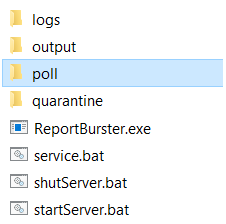
ReportBurster Server automatically monitors a poll directory for incoming reports. Any report placed in this folder is immediately picked up and processed. There are two complementary approaches to automation:
- Poll folder — for many situations, simply configuring your scheduler to copy or drop report files into the
pollfolder on the desired schedule is enough and gets the job done. - CLI — for more complex workflows, ReportBurster offers a full-blown command-line interface that gives you fine-grained control over report processing. The CLI can be automated using the same scheduling mechanisms (OS schedulers, crons, or Rundeck).
Both approaches work with any scheduler described on this page.
Start & Stop
Use the following scripts to start and stop ReportBurster Server (.bat on Windows, .sh on Linux/macOS):
- Start:
startServer.bat/startServer.sh - Stop:
shutServer.bat/shutServer.sh
Once started, access the web interface at http://machine-name:9090 (e.g., http://localhost:9090).
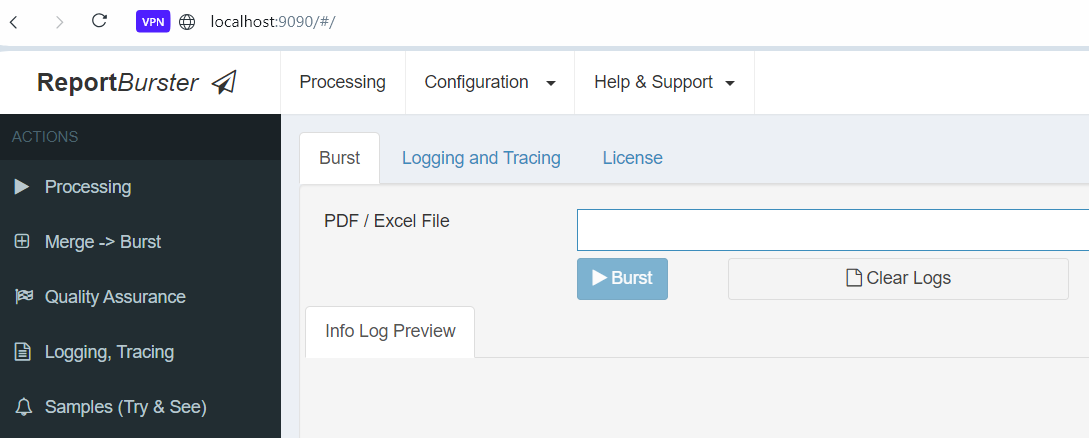
ReportBurster Server provides the same user interface and configuration options as the Desktop version. You can use either ReportBurster.exe or the web interface for configuration.
Windows
Running as a Windows Service
Configure ReportBurster Server as a Windows service so it starts automatically with the operating system and runs in the background with minimal resource usage.
Use the service.bat script:
- Install the service:
service.bat install - Uninstall the service:
service.bat uninstall

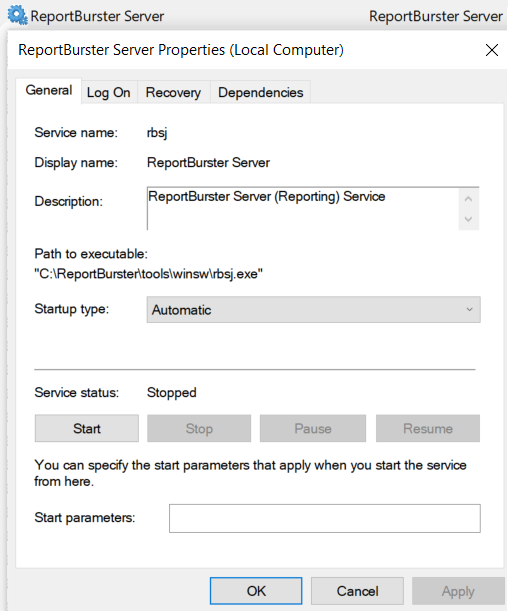
Once installed as a service, ReportBurster Server will:
- Start automatically when Windows boots
- Run in the background without requiring a logged-in user
- Be manageable through the Windows Service Manager
Windows Task Scheduler
Use Windows Task Scheduler to automate when reports are placed into the poll folder — for example, nightly, weekly, or monthly.
Create a scheduled task that copies your report files into the poll directory at the desired time. ReportBurster Server will automatically pick them up and process them.
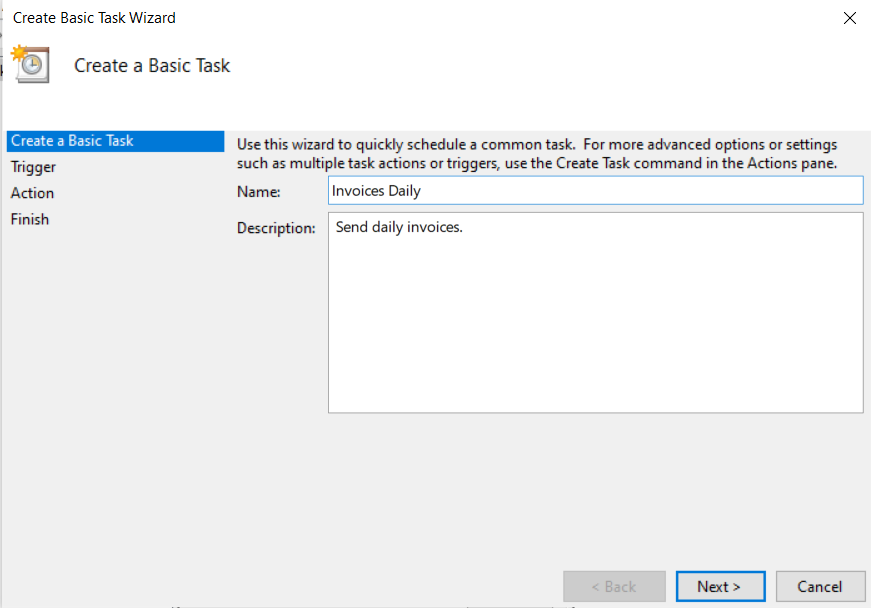
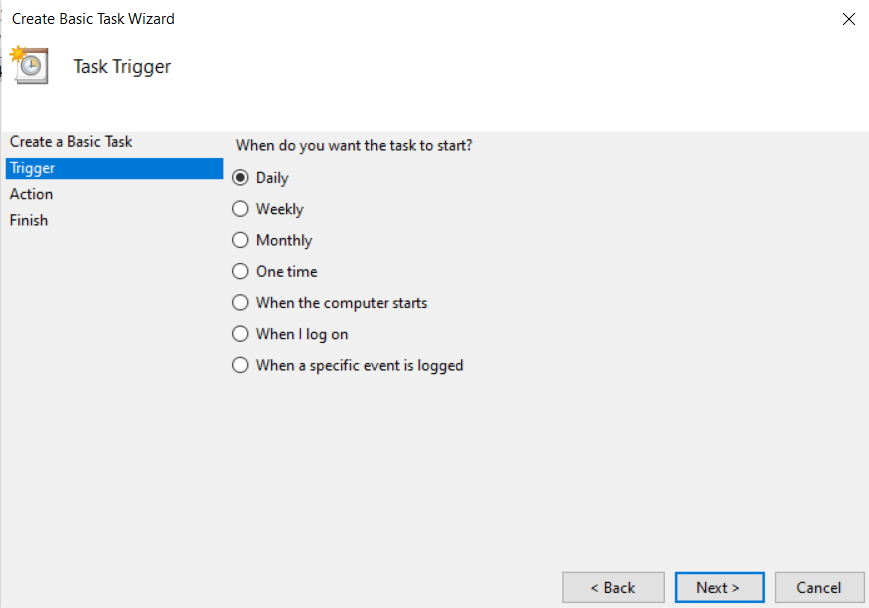
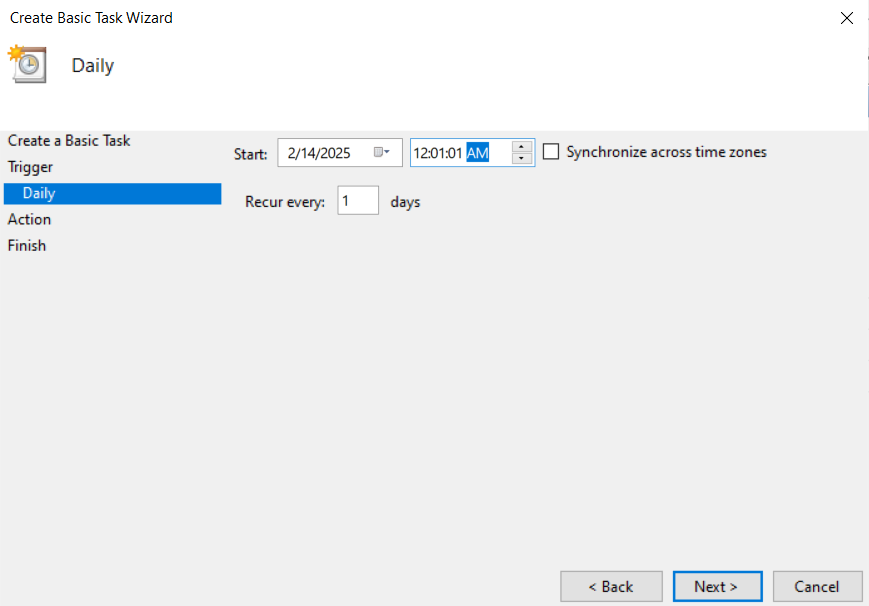
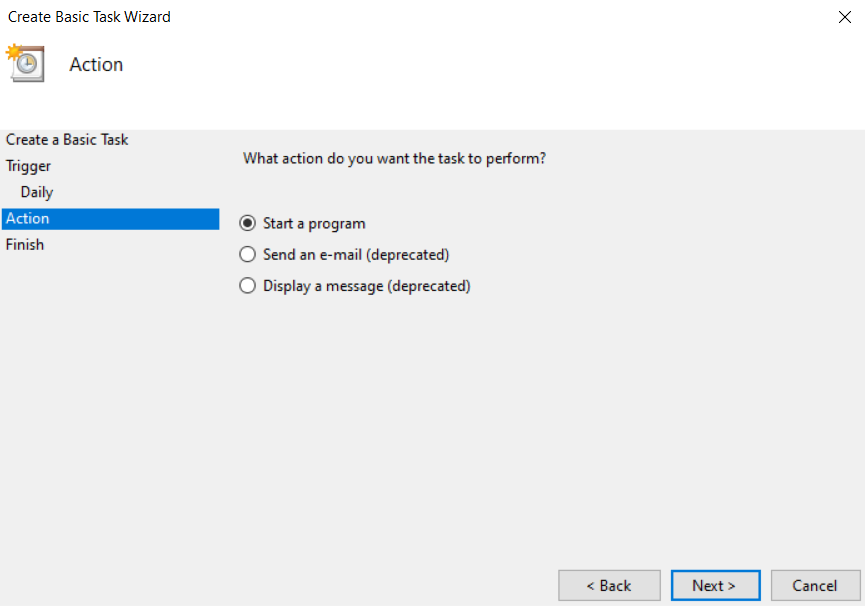
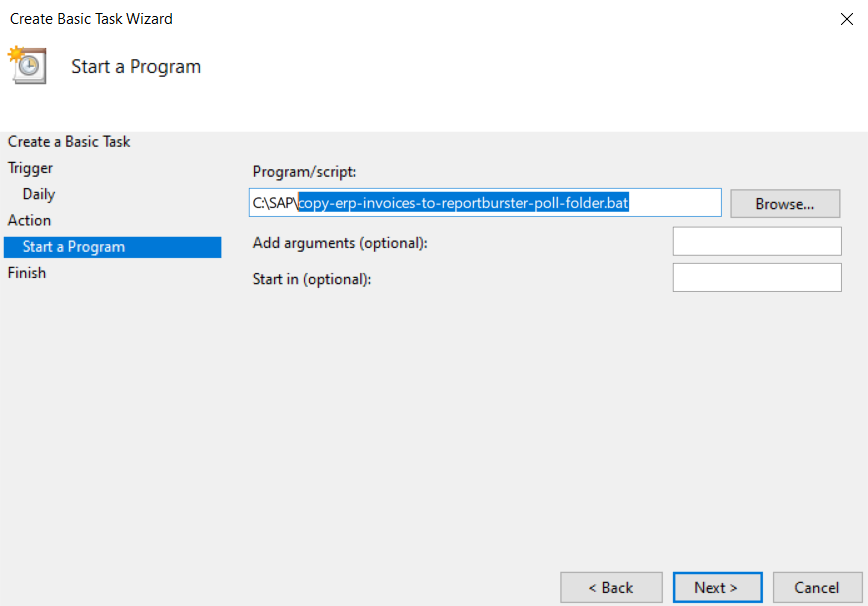
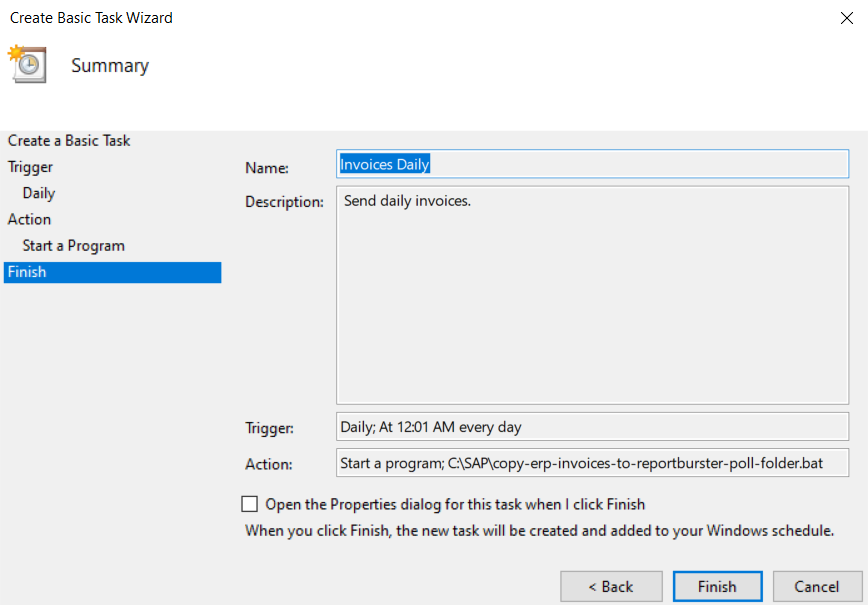
Once the scheduled task runs and places reports in the poll folder, ReportBurster Server automatically processes them — no manual intervention required.
Linux
On Linux, use the standard cron scheduler to automate report delivery. Configure a cron job like you would for any other recurring task on your system.
For example, to copy reports into the poll folder every night at midnight:
0 0 * * * cp /path/to/reports/*.pdf /opt/reportburster-server/poll/Cron is built into every Linux distribution — no additional software is needed.
Rundeck
Rundeck is a specialized job scheduling and automation platform. It is a particularly good option if your organization already uses Rundeck to standardize automation flows and UIs across the organization — adding ReportBurster Server jobs fits naturally into your existing Rundeck workflows.
ReportBurster lists Rundeck as one of its "Apps That Go Well Together with ReportBurster" — see "Work Well" Apps for more details.
With Rundeck you can:
- Schedule report processing jobs with a visual interface
- Chain ReportBurster steps with other automation tasks
- Monitor job execution and get notifications on success or failure
- Manage access control for who can trigger report distribution