Grails & Next.js Apps
Deploy custom BI solutions using FlowKraft's ready-made Grails or Next.js apps — with ReportBurster's web components pre-configured.
The easiest and most customizable path to a full BI solution is through the FlowKraft apps that ship with ReportBurster. That being said, all of ReportBurster's BI web components (rb-dashboard, rb-tabulator, rb-chart, rb-pivot-table, rb-parameters, rb-report) are embeddable into any web application.
FlowKraft is the company behind ReportBurster — and it's also a fitting name for what the apps do: craft flows of data into dashboards, portals, and reports.
FlowKraft's Grails App
The Grails app is the ReportBurster's default stack for building admin panels and self-service portals. It comes pre-configured with ReportBurster's web components and is ready to customize.
Starting the App
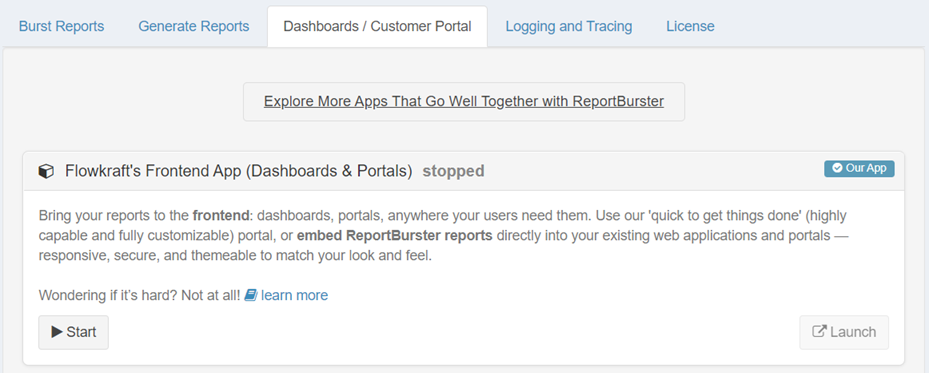
In ReportBurster, navigate to the Dashboards / Customer Portal tab and click Start on the Grails app.
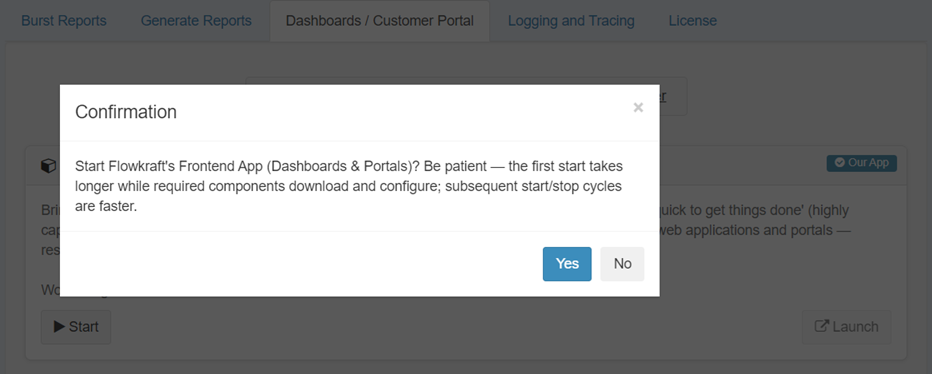
Confirm the start action.
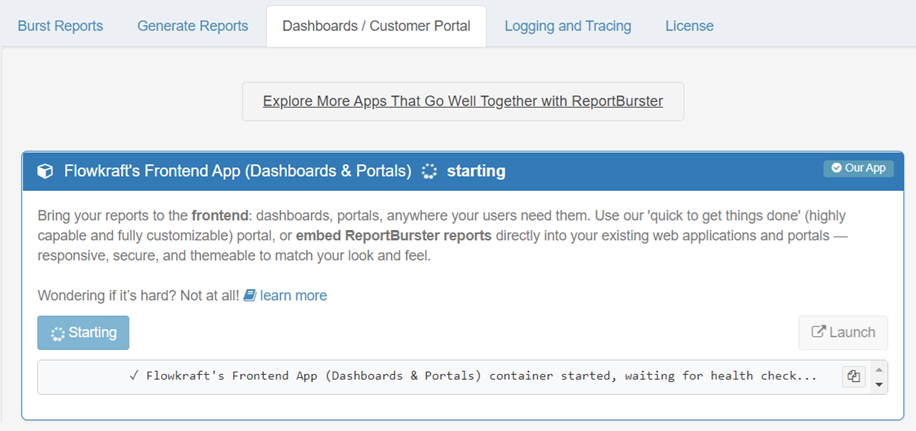
Wait for the app to start — this takes a moment on first launch.
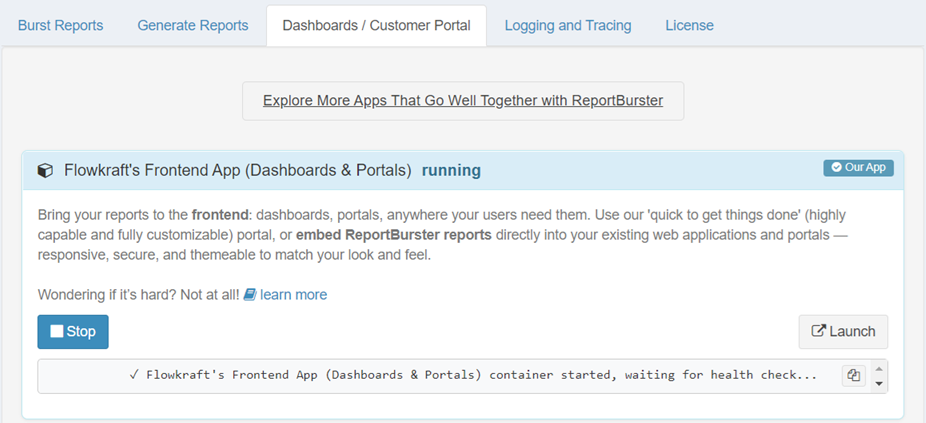
Once started, click Launch to open the app in your browser.
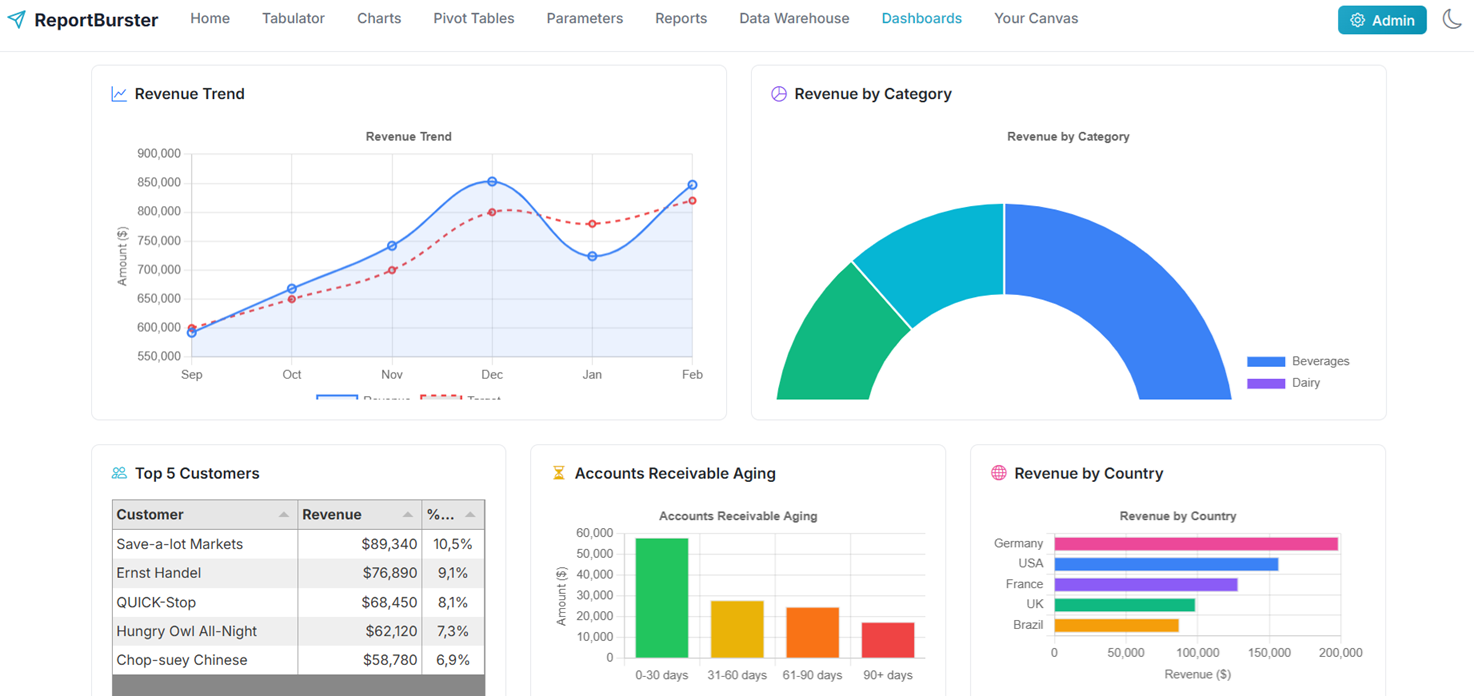
What You Get
- Groovy/Grails backend — consistent with ReportBurster's scripting and report engine
- Real-time analytics dashboards (DuckDB/ClickHouse OLAP)
- Secure document distribution (payslips, invoices, student portals)
- All
rb-*web components pre-loaded and ready to embed - SQLite database for development, easy to swap for PostgreSQL/MySQL in production
When to Use It
The Grails app is ideal when you want a complete, ready-to-deploy BI solution with minimal setup. It shares the same Groovy ecosystem as ReportBurster's report scripts, making it the natural choice for teams already working with ReportBurster.
FlowKraft's Next.js App (Alternative Stack)
For teams who prefer the modern React/TypeScript ecosystem, the Next.js app offers the same capabilities using a different tech stack.
What You Get
- Next.js 15 + Tailwind 4 + shadcn — modern React/TypeScript stack
- Same
rb-*web components, same data sources, same dashboards - Same capabilities as the Grails app but with a different tech stack
When to Use It
Choose the Next.js app if your team is more comfortable with React/TypeScript.
Embedding in Other Apps
Don't want to use either app? All web components work standalone in any HTML page. See Web Components for embed snippets, or follow the Dashboards tutorial to build a dashboard from scratch.